
Know a session will open before you open it
You load a project from two years ago, or one a collaborator just sent, and Live spends half a minute loading before it starts telling you what is broken. Sessions answers the question first: it reads the plugin list straight out of the project file and shows you what the set needs, what you have, and what is missing. It is free, and it never has to open your DAW to do it.
The problem
"The VST plugin could not be found"
Ableton's answer to a plugin you do not have is a dialog partway through loading, one plugin at a time, followed by a set where those devices sit bypassed and silent. Nothing ever told you what the session needed. You are reconstructing the requirements from the damage, usually while a collaborator waits.
The version that stings most is the shared project. Someone sends you a folder, you clear an evening, and forty minutes in you work out that the entire low end is a synth you have never owned. The evening is gone either way, and now you are hunting installers instead of writing.
Producers do solve this, just painfully. The trick that circulates on forums is manual: an
.als is gzipped XML, so you copy it, rename the copy to .gz, unzip it,
open the XML in a text editor and search for plugin names by hand. It genuinely works, and it is
a strange thing to have to do before you can decide whether to open a song. The other method is
pure trial and error: open it, write down what broke, go looking, open it again.
The check
See which plugins a project uses without opening it
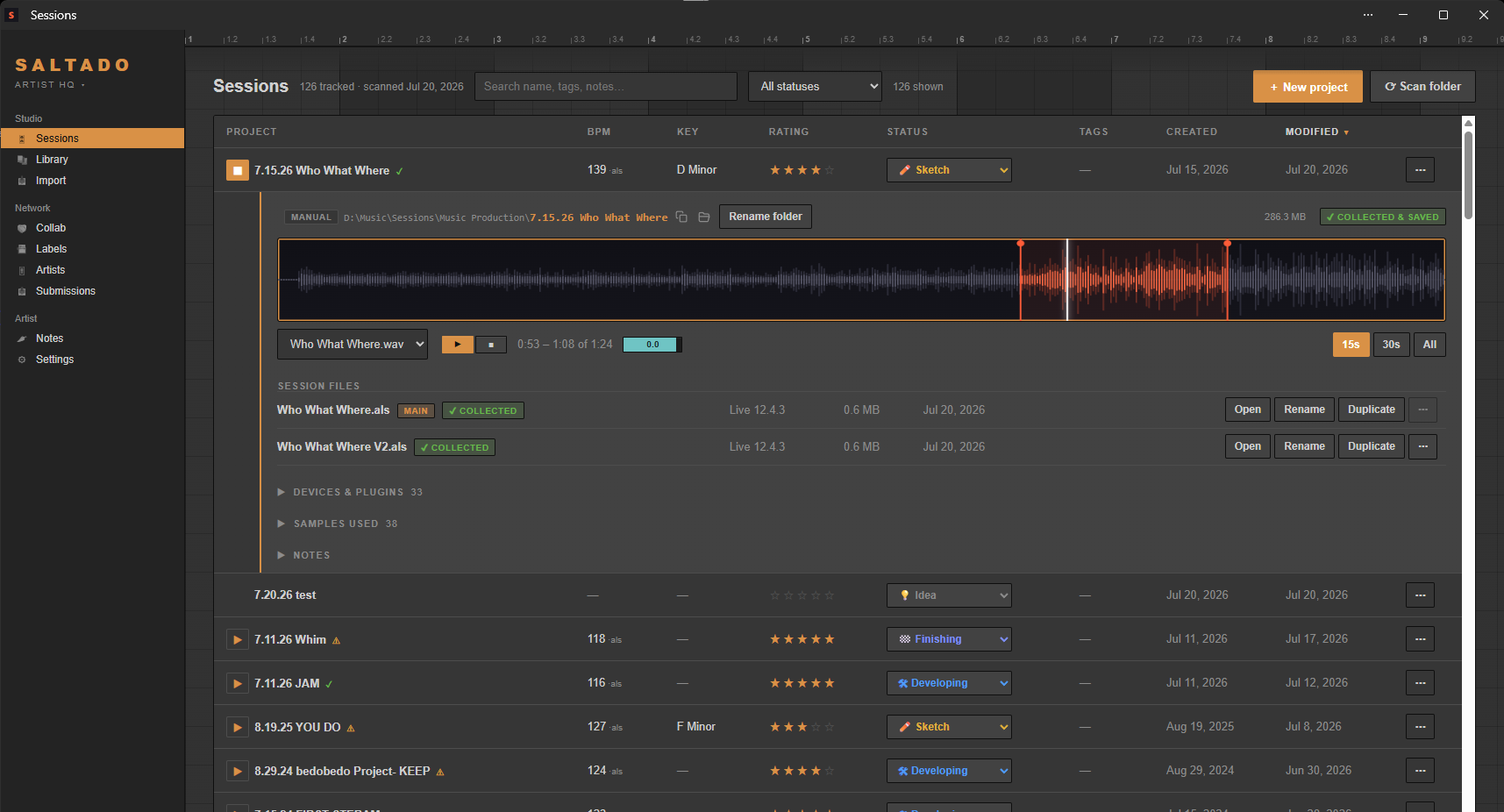
The Compatibility Checker takes an Ableton set, pulls out every plugin and device it references, and diffs that list against what is actually installed on this machine. You get the verdict as a count, "all 12 third-party plugins installed" or "missing 3 of 12", and then the two lists behind it: what you are missing, by name, and what you already have. Stock Live devices are tallied separately, because those are always fine. It also reports the BPM, the key and which version of Live saved the file, which is usually the other half of the question.
There are two ways in. Drop an .als a collaborator sent you onto the Collab page,
or check any project already in your library, since the scan reads each set's plugin list
anyway. Both are read-only: nothing about the file is modified, moved, or handed to Live.
Matching
Owning Serum 2 does not open a Serum 1 session
Name matching is where a naive check gets this wrong in both directions, so two rules do most of the work.
First, versions count. "Serum" is not a match for "Serum 2". If a set calls for the older one and you only have the newer, that device does not load, so the checker reports it as missing rather than waving it through on a partial name match.
Second, a plugin's file name on disk and the name your DAW displays are often not the
same string, especially with vendors who prefix things. Some UAD plugins ship as files
named like uaudio_teletronix_la-2a while Live shows "UADx LA-2A Silver". The checker
bridges that naming gap, and when it has to fall back on a looser match it marks the result as
approximate instead of quietly claiming a clean hit.
There is one limit it points out itself. Shell-host plugins, the Waves-style arrangement where many plugins live inside one shared binary, cannot be listed from the outside. If you have such a shell installed and something inside it comes up missing, the app tells you the verdict may be wrong, which is better than a confident answer you cannot trust.
The other case
"It says missing plugins, but they are installed"
That is a different problem wearing the same dialog, and telling the two apart is most of the fix. The checker answers one narrow question: does a plugin by that name exist in this machine's plugin folders? If it does, and Live still cannot find it, the file is not your problem. Usually the set wants a format or build you did not install (a VST2 where you only have the VST3, or a 32-bit device), or the plugin sits in a folder Live is not scanning, or Live needs a rescan. If the checker also says missing, it genuinely is not on this computer and no amount of rescanning will conjure it. Knowing which of those two you are in is what saves the evening.
The swap
Plugin Passport: compare collections before you start
The compatibility check runs once a session exists. Plugin Passport runs before there is one. Export this machine's installed-plugin inventory as one small portable file, send it to whoever you are working with, take theirs in return, and you get three columns: both have, only them, only you.
That is the actual planning tool. It tells you whether trading project files is realistic at all or whether you should be trading stems, which shared instruments to build the track on, and which of the people you know has a rig close enough to yours to collaborate in the first place. Passport is DAW-agnostic: it is an inventory of what is installed, not a reading of any project format, so it works whatever either of you produces in. Old passport files stay importable forever, so one a collaborator exported a year ago still opens today.
Sending
What to freeze before you send a project
Read the same information backwards and it tells you what to do about it. Sending an Ableton project to someone who does not have the plugins is a guessing game that normally ends one of two bad ways: you freeze and flatten everything defensively, which costs them the ability to change anything, or you freeze nothing and they open a hollowed-out session. Check the set against their passport and the list of tracks to freeze is just the missing ones. While the folder is open, it is worth confirming the audio travels too, because missing samples break a shared project every bit as thoroughly as missing plugins.
What it does and does not do
- The Compatibility Checker reads Ableton
.alsfiles. It is Ableton-only today. - Plugin Passport is DAW-agnostic, because it inventories installed plugins rather than parsing a project.
- Plugin lists are extracted from Ableton, FL Studio, REAPER and Studio One projects. Not Logic: Logic keeps its plugin data in an opaque binary format, so Logic projects show BPM and key but no plugin list.
- It identifies missing plugins by name. It does not download or install anything for you.
- Everything is local. No account, no cloud, nothing about your music leaving it, and scanning is read-only.
Both of these are free
The Compatibility Checker and Plugin Passport are free, not trial-limited and not Pro. That is deliberate: a passport is only useful if the producer on the other end can open it, so gating the receiving half would kill the only feature that has to work for two people at once.
- Free: the compatibility check, Plugin Passport, the drive scan and library for unlimited projects, BPM and key, search, sort, ratings, statuses and the label book.
- Pro ($44, one time): bounce playback, the full sample and plugin library, the project creator, the drop-to-organize importer, the un-tangler, the duplicate-sample finder and demo-submission tracking. Never a subscription.
If the shared folder you just received is also a mess, there is a step-by-step cleanup guide, and the full feature list covers the rest of what the app does.